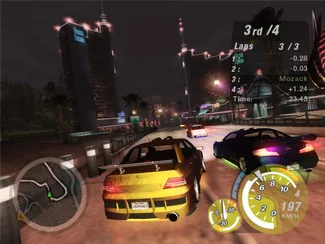
 Underground 2
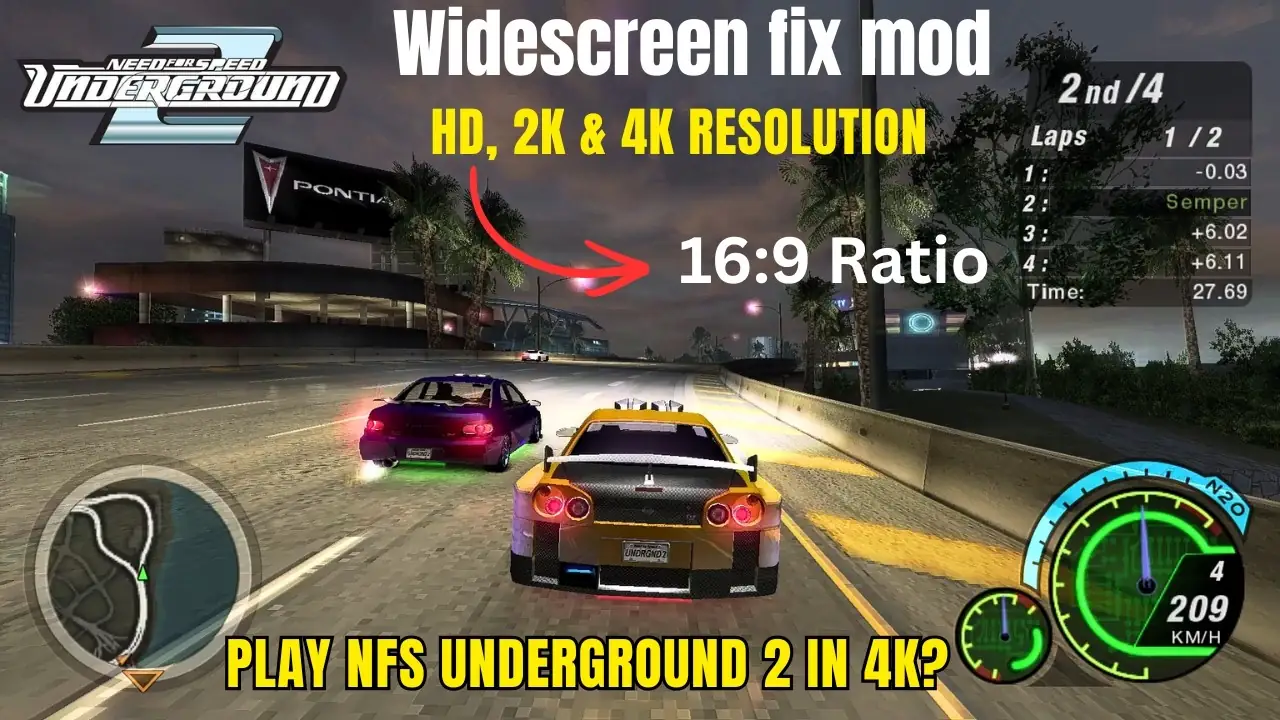
NFS Underground 2 widescreen fix
Files and keys
The release tagged nfsu2 on ThirteenAG/WidescreenFixesPack tells you to put dinput8.dll and the scripts folder in the game directory. INI keys named in that project and on nfsu2.net’s widescreen page include NoOpticalDriveFix, SingleCoreAffinity, FPSLimit, HudAspectRatioConstraint, and FixHUD. Issue 1573 on that tracker is a black screen; issue 1649 mentions Windows 11 24H2. Patch 1.2 should already be installed, per PCGamingWiki.
- Download the pack from the GitHub release, not from a re-upload.
- Keep a copy of the unmodified scripts folder before you edit the INI.
- If the screen stays black, stop and read issue 1573 before you add more mods.
I read the GitHub release notes and the INI key names they publish. I did not flash a new binary or change the values for you.
Questions
Does this make an official remaster?
No. It changes the retail window and HUD. The remaster page covers EA announcements, which there were not.
What resolution should I type?
The pack does not publish one required resolution. Set the value your monitor uses, then check FixHUD if the gauges stretch.
Keep reading: Mod orderBlack screenPCGet a legal copy first
Last checked . Sources: ThirteenAG Widescreen Fixnfsu2.netPCGamingWiki: NFSU2. Report a correction.