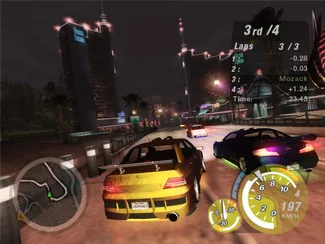
 Underground 2
NFSU2 browser controls and save files
Three saves, three silos
| Site | Where it lives | How you keep a copy | Gamepad |
|---|---|---|---|
| nfsu2.xyz | Browser, optional cloud | A passphrase you set | Page lists full keys; a pad works if the browser exposes it |
| nfsu2.org | Local to that domain | Export a .json file | Same browser gamepad path; mobile unverified there |
| nfsunderground2.site | Virtual memory card | Export or import .ps2 | Host still drives the menus in a room |
Clearing site data deletes the local copy. Export before you do that.
Controls
Revived’s homepage printed a full key list and quick-chat lines (16 phrases, 4 crews) on 2026-10-28, plus 120 and 240 fps options. nfsu2.org expects a desktop keyboard or pad in Chrome or Edge. Carmeet says phone touch works and that voice is proximity-based. Copy the bind screen inside the project you actually opened; this page does not invent a shared keymap.
I compared the save instructions on the three sites. The missing-save story is usually “I switched sites,” not a wiped disc.
Questions
Why did my career disappear?
The other site never had it. Export JSON or .ps2, or write down the Revived passphrase, before you switch.
Can I use a controller?
Yes where the project says the browser can see it. The PS2 port still gives menu control to the room host.
Keep reading: Browser hubRevivedPS2 portLoading fixes
Last checked . Sources: nfsu2.xyznfsu2.orgnfsunderground2.site. Report a correction.